
What Is The Change Reporting Feature?
Change Reporting feature uses the data from the WP Activity Log to generate the report, so the data is same, but it presents only the relevant portions of that data.
- The WP Activity Log shows you “what happened“
- The Change Report shows you “what changed“
It’ll extract the relevant information buried within your logs and present to you a report of everything that’s changed between any 2 dates.
An important point to bear in mind here is that this report relies solely on the data within the WP Activity Log. This means that reporting is limited to the maximum lifetime of your activity logs.
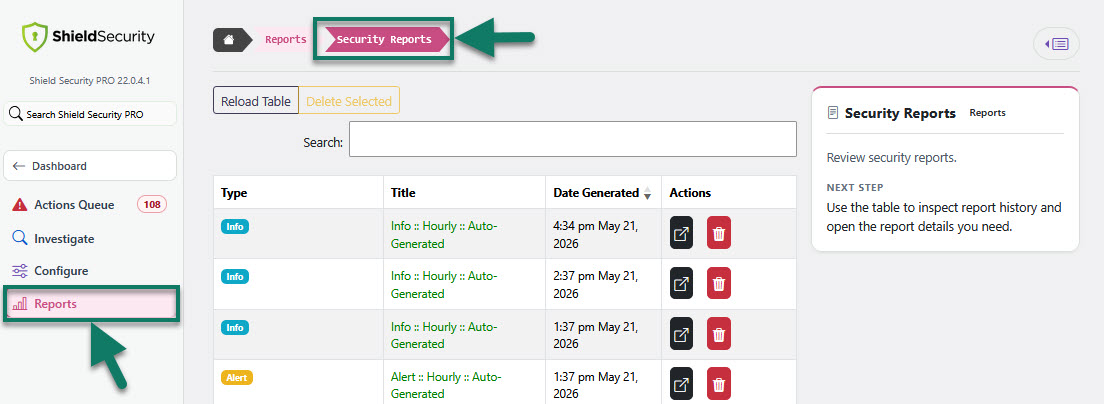
Change reporting is sent and included automatically in the Info reports and can be viewed under the Reports section > Security Reports. Here you can view and manage all your reports.
You can also choose whether you want to view summary or detailed report.
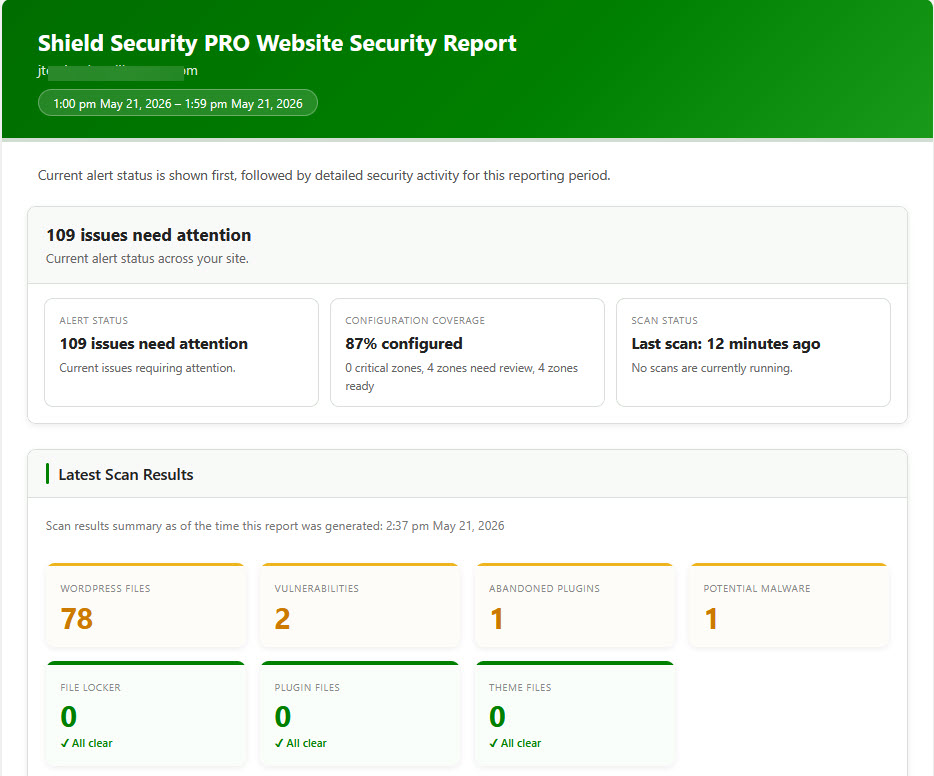
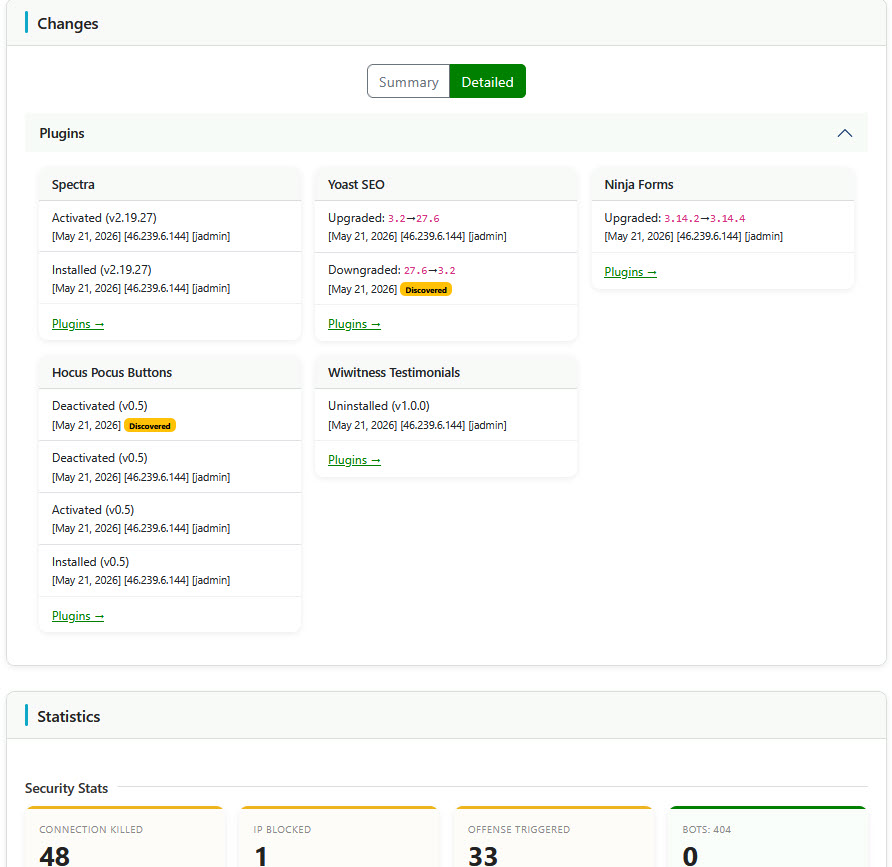
To learn more about this feature, read this article here.