
Introduction To The WordPress Activity Log System
The WordPress Activity Log system is designed to give you full insight into significant actions taken on your site. It will let you see exactly what has been happening on your site so you can easily look back on events and analyse what happened and what may have gone wrong.
This system is accessible from within the Investigate section > WP Activity Log.
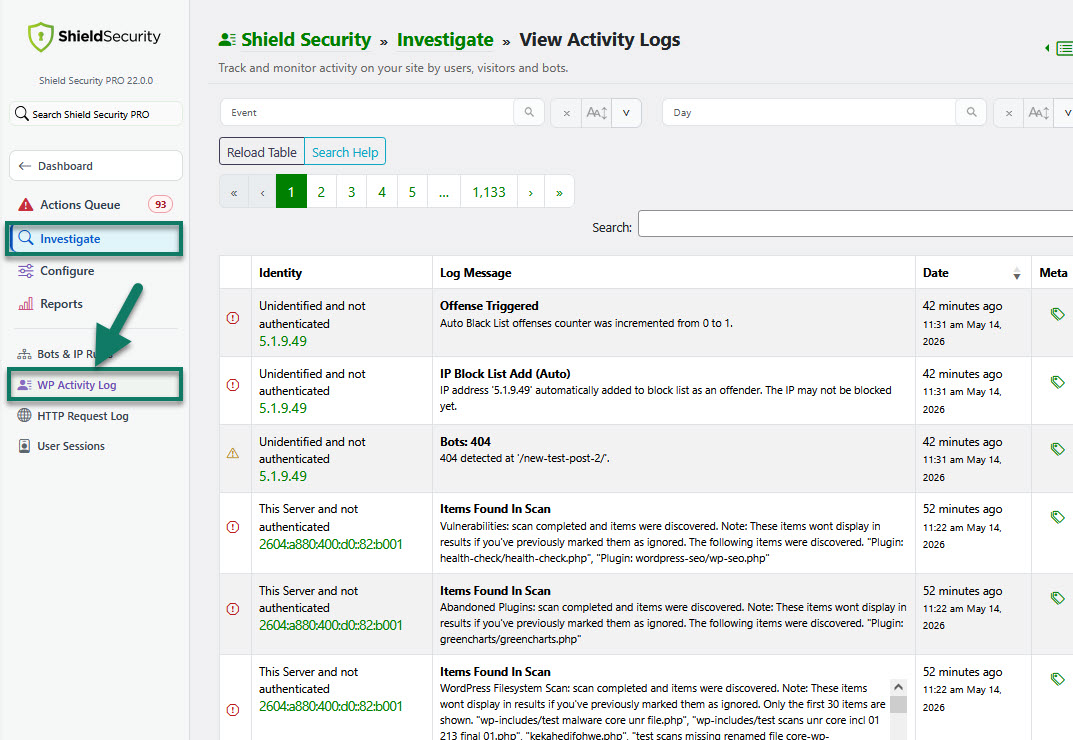
How does the WordPress Activity Log work?
The WP Activity Log monitors your WordPress site and for certain specific actions that take place, it will record it in the database for your review, if necessary.
It also identifies the actual PHP file used to send emails (so you can track it better) and also identifies Post types when posts are updated.
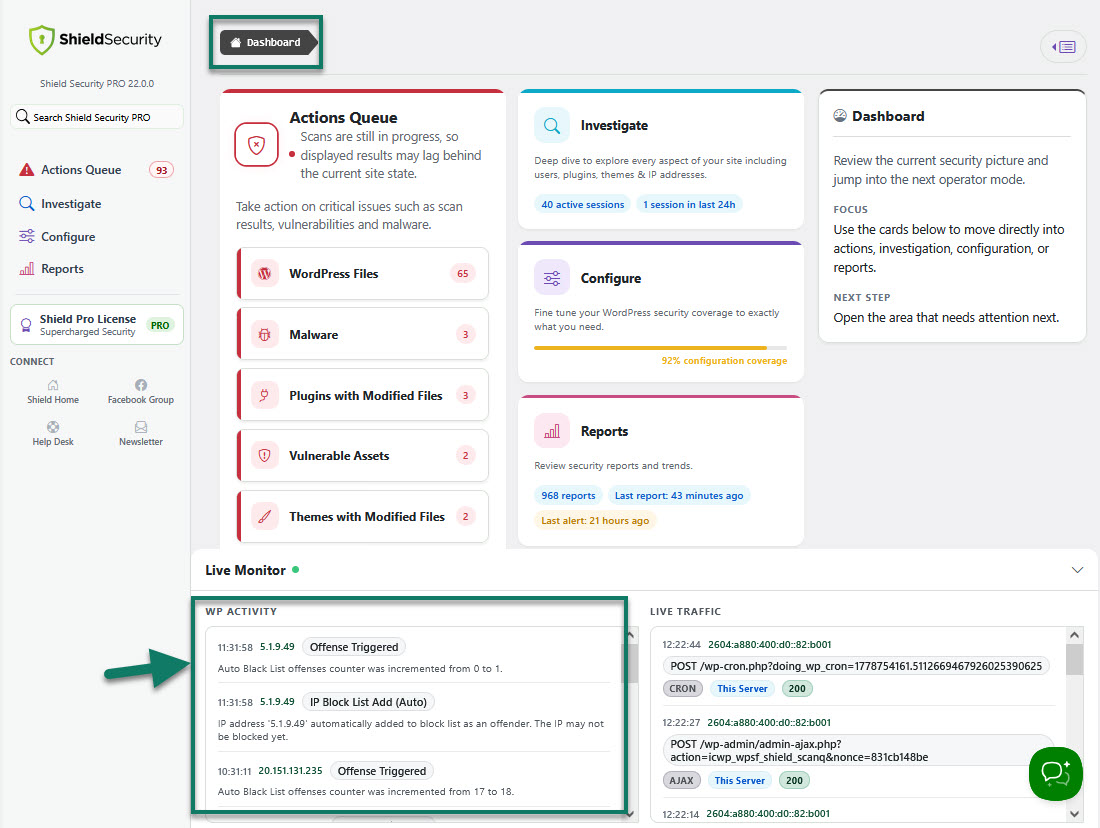
In case you'd like to extend Activity Log with Custom Events, please use this guide here.
To learn more about the Shield's WP Activity Log, read the blog article here.