
What Is The Security Reports Manager And How To Use It?
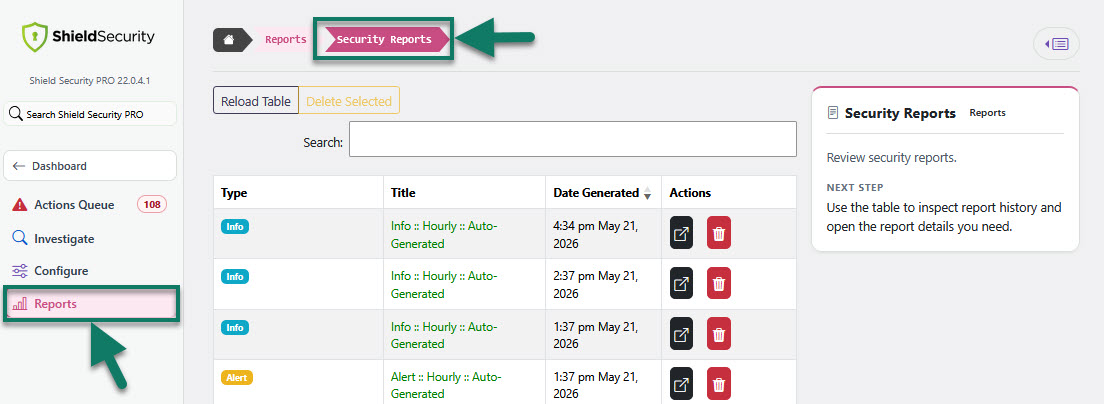
The Reports Manager is located under the Reports section of the Shield Security Dashboard > Security Reports.
It provides a list of the all Alert and Info security reports for your site. You can use the table to inspect report history and open the report details you need.
Here are two examples of Shield Security Info report - changes.
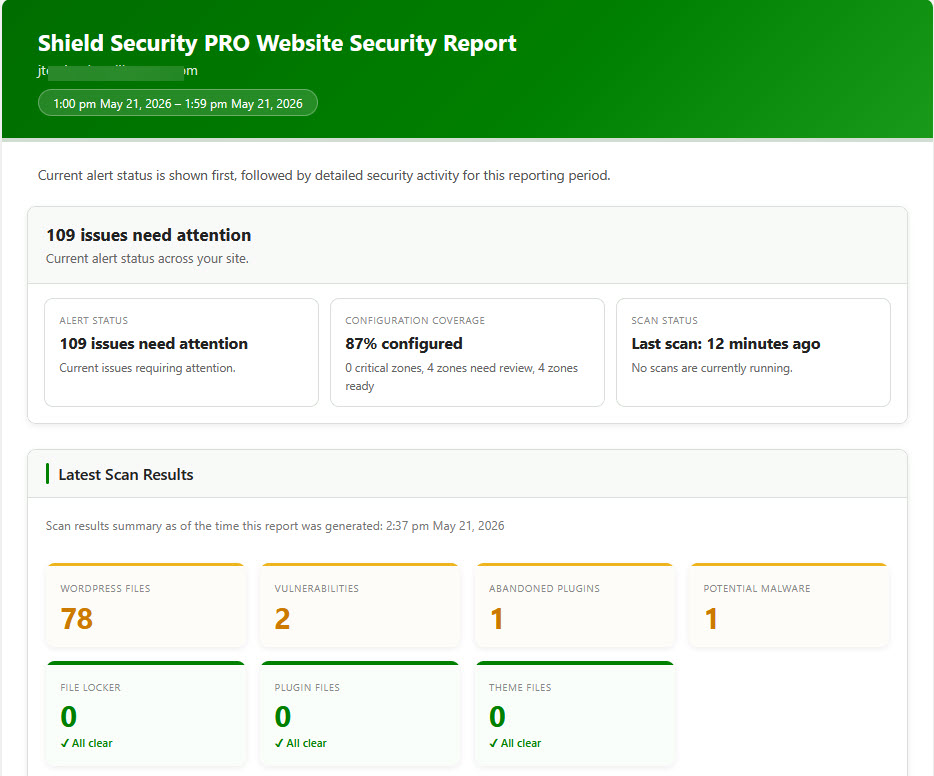
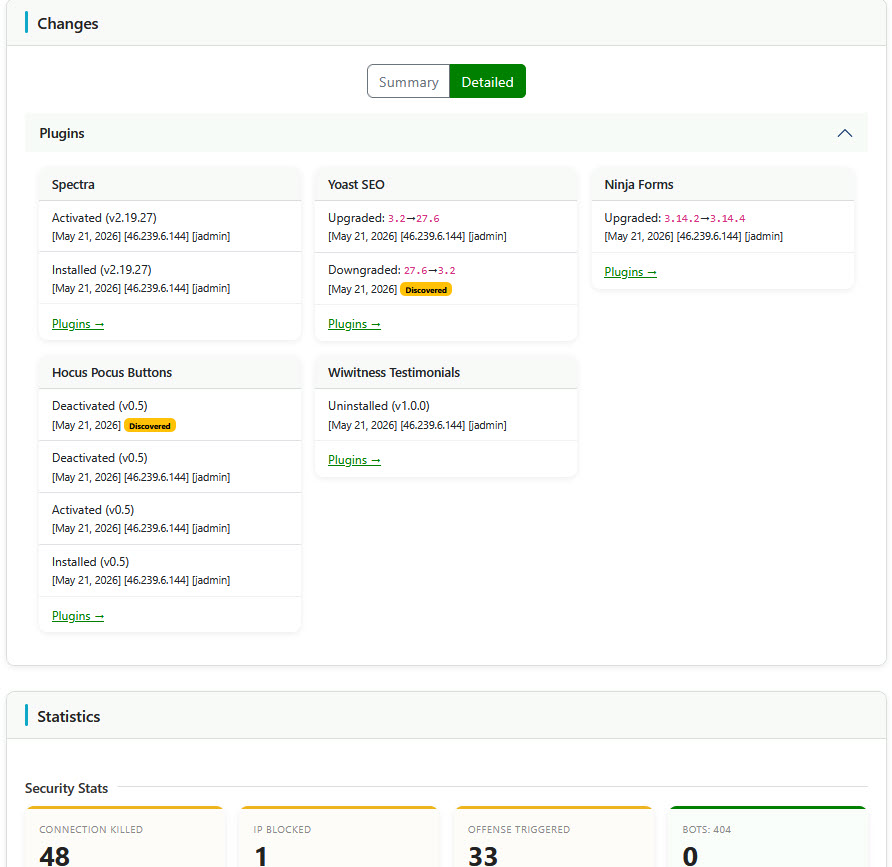
To learn more about the Change Report, read this article here.
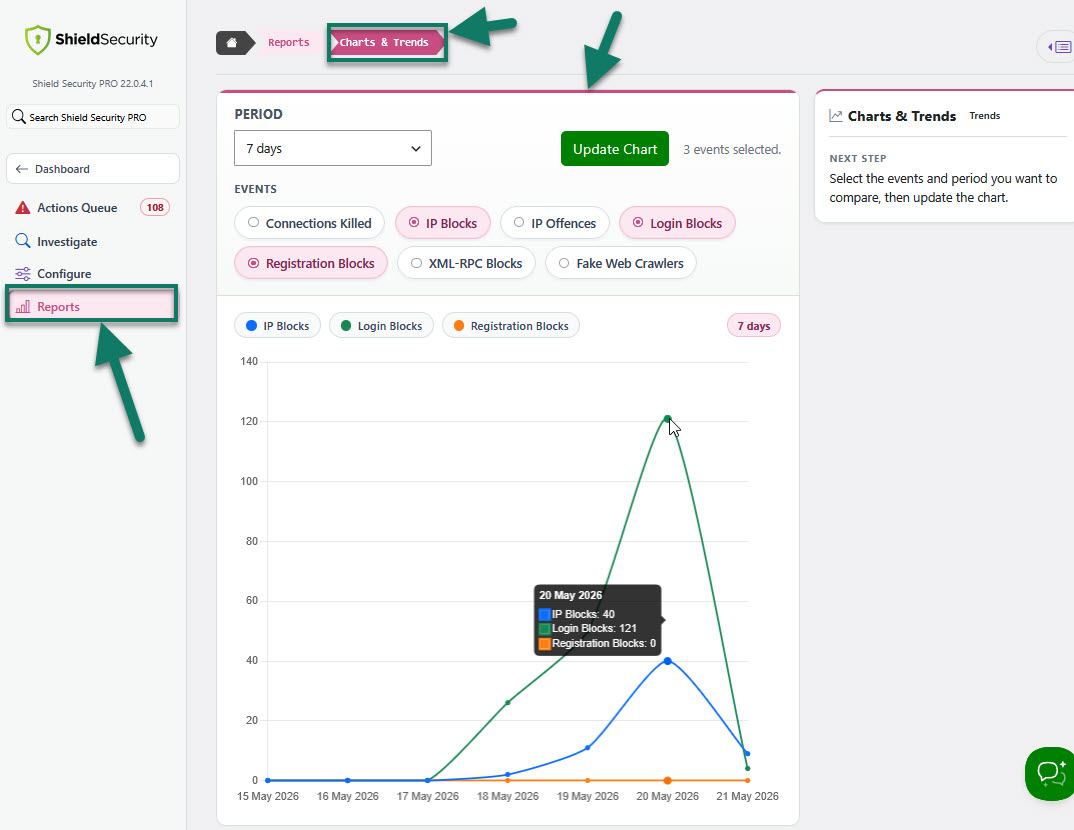
Particularly useful here is the incorporation of our Charts & Trends feature so you can select the events and period you want to compare and have a chart report showing exactly what changed on your WordPress site. This is accessible from within Reports > Charts and Trends.
To configure how often should you be sent important alerts and info reports, read this article here.